

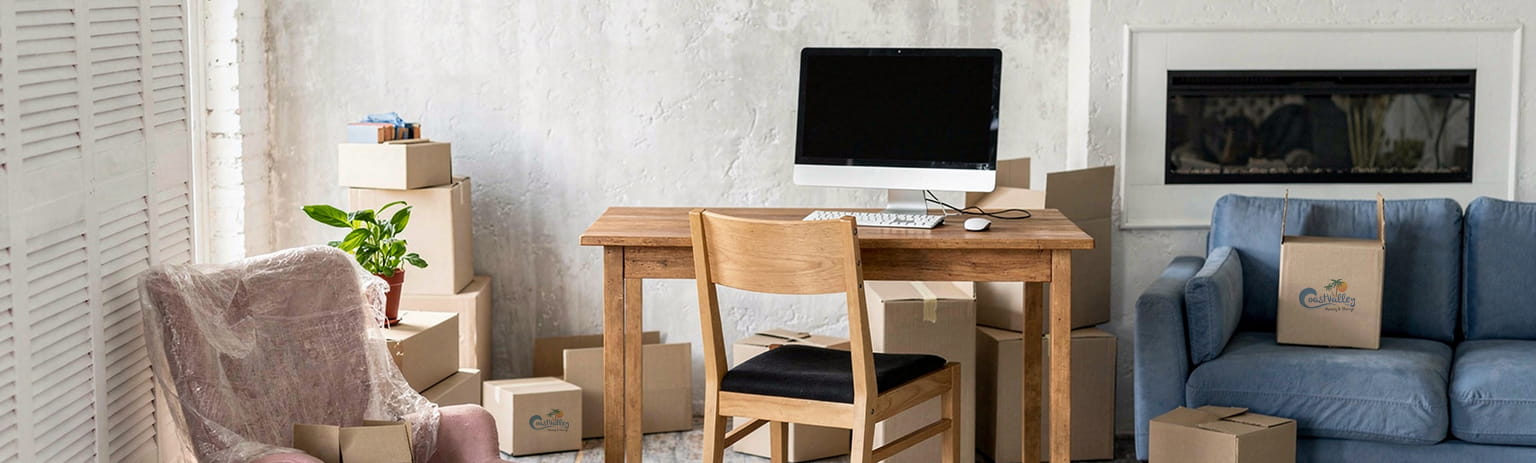
Moving a Home Office? Here’s What to Pack First
Working from home has changed the way we think about moving. Your home office is an amalgamation of income, deadlines, and often thousands of dollars worth of gear. One wrong move (literally) can mean lost data, broken equipment, or a week of downtime you can’t afford.
Whether you’re relocating across San Clemente or making a bigger move up the coast, packing your home office the right way should be at the top of your moving checklist, not an afterthought.
Ready to move without the stress? Contact us today for a free quote: Coast Valley Moving & Storage makes every move feel like a fresh start.
Start With the Equipment That Runs Your Day
Before anything else, identify the items you absolutely cannot afford to damage or misplace. For most home office setups, that list looks something like this:
- Desktop or laptop computers: Back up all data before anything is disconnected
- External hard drives and USBs: Keep these with you personally, not in the moving truck
- Monitors: Original boxes are ideal; if you no longer have them, use moving blankets and a sturdy double-walled box
- Networking equipment: Your router, modem, and any switches should be packed together so your internet is up on day one
- Keyboard, mouse, webcam, and headset: Small but easy to lose in the shuffle
Label every cable. It sounds simple, but it saves hours of frustration when you’re setting back up. A piece of masking tape and a marker can save your sanity.
Documents, Files, and the Paper Trail
Paper doesn’t bounce back from water damage or a torn box. If your work involves physical contracts, invoices, client files, or important records, these need special attention.
- Pack documents in waterproof folders or plastic sleeves
- Use a banker’s box or file box with a secure lid, not a standard cardboard box
- Take photos of important documents before packing them
- Carry critical paperwork with you rather than loading it onto the truck
This applies to personal documents too: passports, insurance records, mortgage paperwork. Anything irreplaceable should travel with you.
Desk Setup and Furniture: What to Dismantle First
Your desk and office chair are often bulkier than they look. Here’s a practical order for breaking things down:
- Clear the surface first. Remove every item from your desk before attempting to move it. Even a “lightweight” standing desk becomes a problem if there’s a monitor still sitting on it.
- Dismantle what you can. Many desks and shelving units come apart with a basic Allen key. Take photos as you go so reassemblyisn’t a puzzle.
- Protect the chair. Office chairs, especially mesh-back ones, can snag and tear. Wrap the base and arms in stretch wrap or moving blankets.
- Label every bag of hardware. Screws and bolts go into clearly labeled zip-lock bags and tape them to the furniture piece they belong to.
Need help figuring out what to move first? Fill out our quick quote form and let our team build a moving plan around your schedule.
The Items Most People Forget (Until It’s Too Late)
Experienced San Clemente movers will tell you: it’s the small things that slow people down on the other end. Don’t forget:
- Power strips and surge protectors: You’ll need these immediately
- Monitor riser or laptop stand: Easy to overlook, hard to work without
- Desk lamp: Pack the bulb separately so it doesn’t break
- Printer and ink cartridges: Tape down the ink tray and seal any paper trays
- Whiteboards and wall-mounted items: Remove hardware from the wall before the movers arrive
How to Pack Tech Gear Safely
Technology is the one area where cutting corners during a move comes back to bite you hard. A few rules:
- Always discharge static before packing electronics: anti-static bags are worth the small cost
- Use the original packaging when available. It was designed for that exact item
- If using regular boxes, cushion heavily with foam, bubble wrap, or even clean towels
- Never stack heavy items on top of boxed monitors or laptops
- Mark boxes containing electronics as FRAGILE and THIS SIDE UP
A trusted moving company in San Clemente like Coast Valley Moving & Storage knows how to handle fragile and high-value items, but good packing on your end is still the best first line of defense.
Set Up Your Office First at the New Place
This is the tip that makes the biggest difference: unload and set up your home office before you do anything else in the new home. Getting your workspace operational on day one means your productivity doesn’t have to stop.
Ask your movers to bring office boxes and furniture into the designated room first. Have your internet provider scheduled for setup before your move date if at all possible. Even a mobile hotspot as backup can save a workday.
Moving soon in or around San Clemente? Contact us or use our online quote form, and we’ll handle the heavy lifting so you can stay focused on work.
Ready to Make Your Move? Coast Valley Moving & Storage Has You Covered.
A home office move doesn’t have to mean lost time or damaged gear. With the right preparation and a reliable team behind you, it can actually be one of the smoother parts of the whole process. Coast Valley Moving & Storage has helped hundreds of San Clemente residents and remote workers move their home setups safely and efficiently. Whether it’s a local move or a longer haul, our team treats your equipment like it’s our own.
Request your free quote today or call us to get started. Let’s get you moved!
Frequently Asked Questions
Should I pack my home office myself or let the movers do it?
For most tech equipment, it’s best to pack it yourself or supervise closely. Computers, hard drives, and monitors are sensitive to how they’re handled. Your moving company can handle the furniture and heavier items while you manage the gear that matters most.
How do I move a desktop computer safely?
Back up your data first. Then shut it down properly, remove any external cables, and pack it upright in the original box if you have it. If not, use a sturdy box with ample foam or bubble wrap on all sides. Never lay a tower on its side during a move unless it was designed for that orientation.
What should I do with my monitors when moving?
Use the original box and foam inserts if possible. If not, wrap the screen in a soft cloth or bubble wrap, then place it upright (never flat) in a snug-fitting box. Label it clearly as fragile.
How do I find reliable San Clemente movers for a home office move?
Look for a moving company in San Clemente with verified reviews, proper licensing, and experience handling both residential and home office moves. Ask specifically about their process for electronics and fragile items. Coast Valley Moving & Storage is locally trusted for exactly this kind of move.
How far in advance should I book movers?
Aim for at least two to three weeks in advance, especially during peak moving season (May through September). Booking early gives you more flexibility on date and time, and ensures your preferred crew is available.